After the initial planning, we have started to work on our assignments. Since the levels of our games are divided in to rooms, each of our group members has either a room to create, or a prop for the room to model. This way we could avoid having a large environment with much empty space and no detail.
My first task is to help with the creation of the first level. This is going to be the entrance of the mansion, where the user starts the game and has to think of a way inside. I have to create a brick wall, which is going to surround the yard. I have decided to use Blender for this, as it is one of the industry standard softwares for 3D modelling.
I wanted the top portion of the brick wall to imitate concrete. On top of the whole fence I am going to put iron arrows. I started the wall with the default cube and scaled it, so it becomes a rectangle. I asked the person who was modelling this scene what measures he is using, so I know the proportions of the wall. We have decided that the wall should be around 2.5m high. I scaled the rectangle accordingly and added a loop cut at the top part and extruded the new faces.
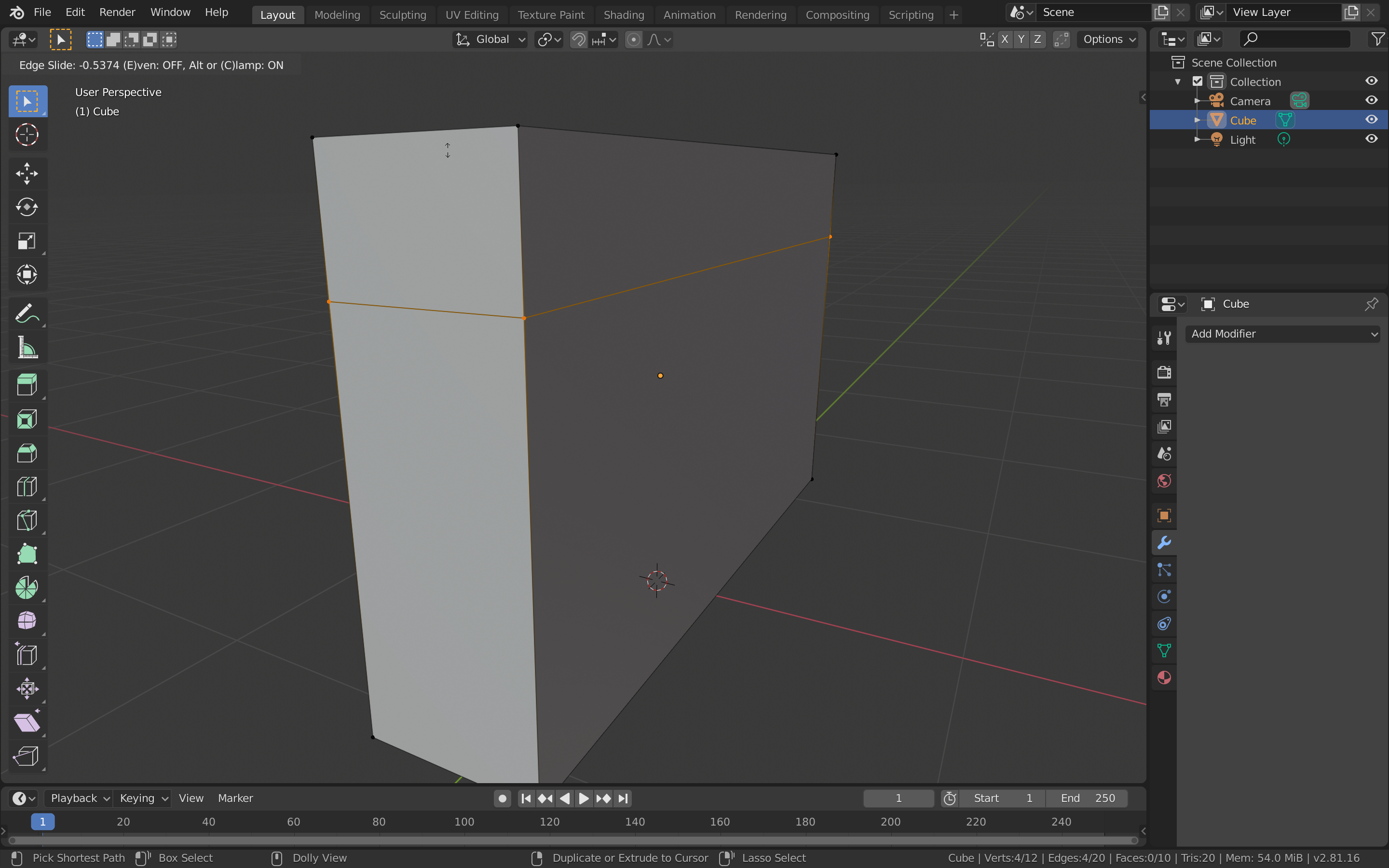
Then I moved to adding the iron arrows. I added another cube mesh, which I scaled down and rotated. I extruded this cube upwards and scaled the top face. I then extruded this face and scaled it to 0, so it becomes the top of the arrow.
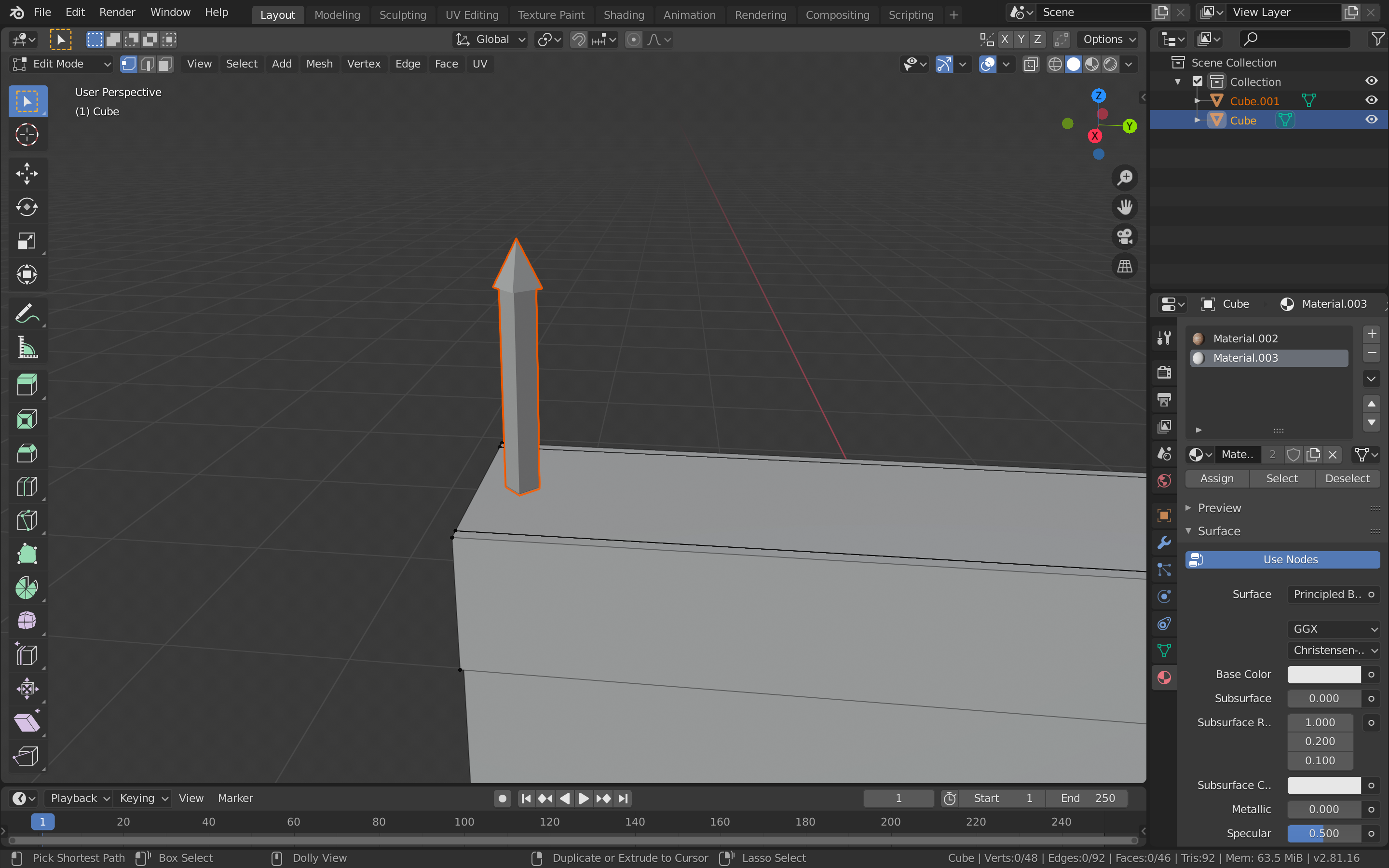
After that, I added the array modifier to the arrow object and spread them across the top of the wall. I also added two rails going trough the arrows in a similar way.
After I was done with the modelling of the wall, I moved to adding textures. I downloaded bricks, iron and concrete image textures from textures.com. I started by selecting the faces where the bricks should be and UV unwrapped them. Then, I added a new material and changed the base colour to image texture. I added the texture and edited the UV so the bricks fit well in the wall. I did the same for the other two materials.
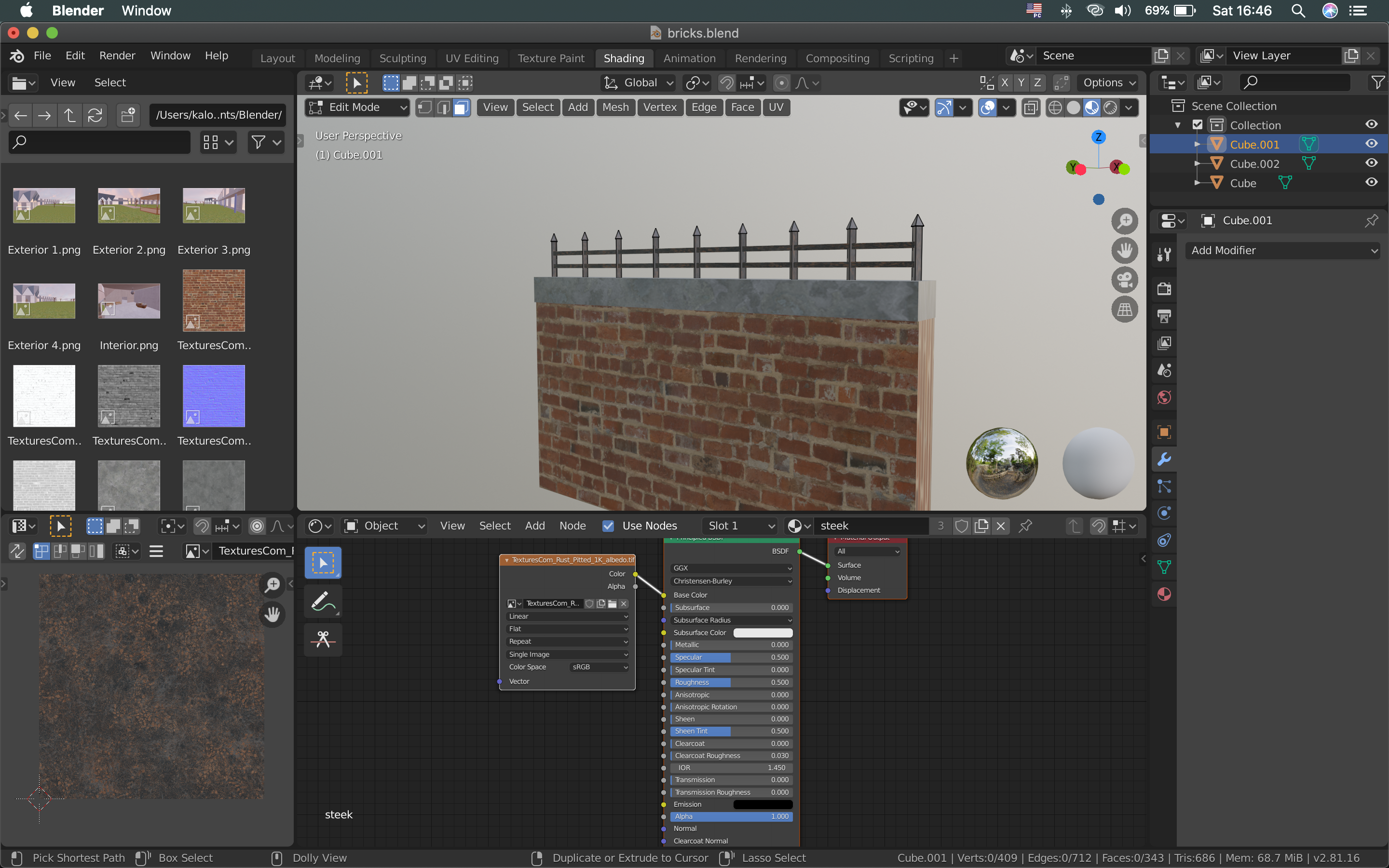
After the wall was done, I exported it as an fbx. file to the assets folder of the unity project. I also added the images of the textures to the same folder. I went in Unity to make sure everything fine. The wall is ready to be used.
Videos that helped me:
 Game 2.0